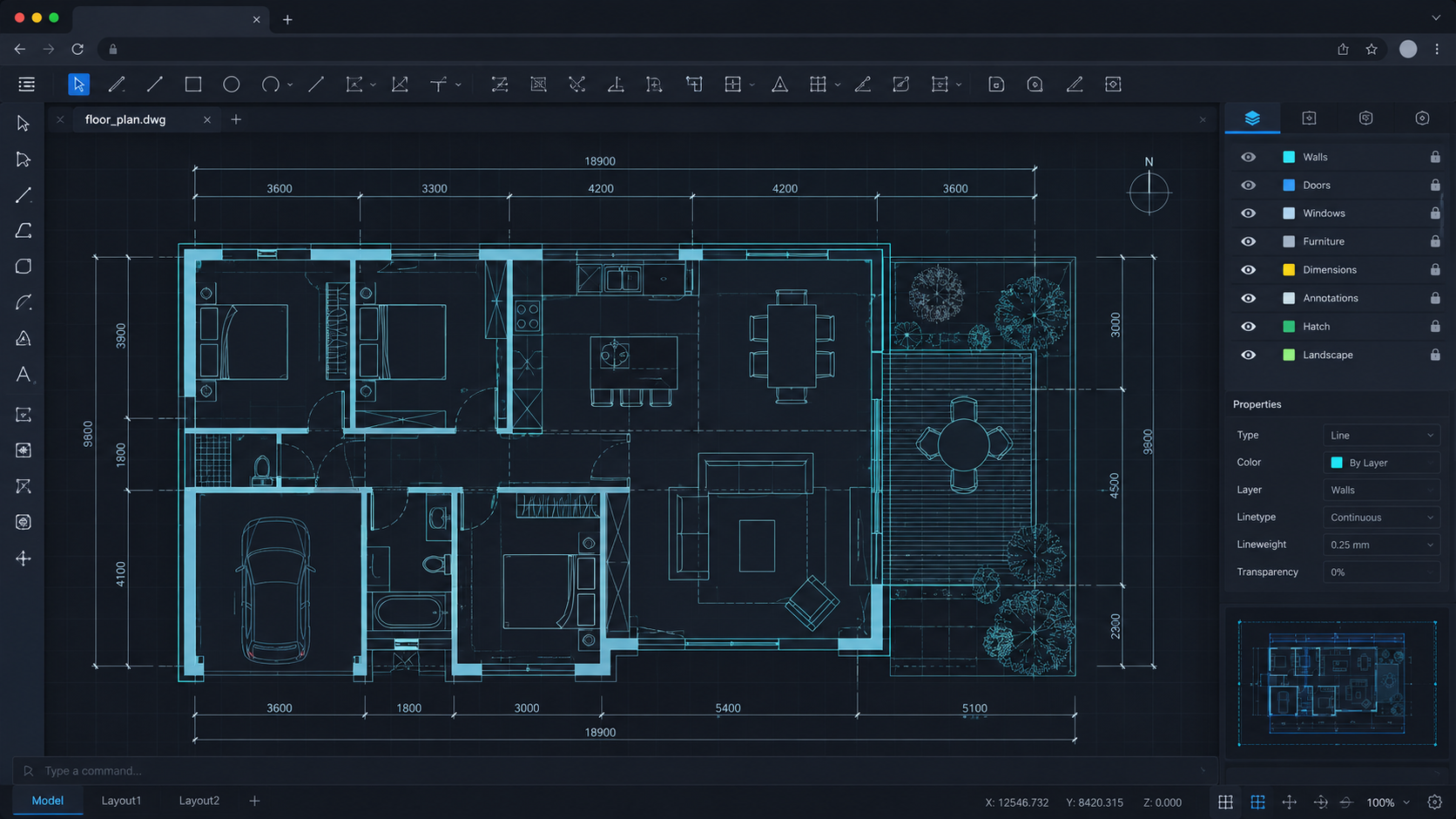

DWG in the browser. No AutoCAD install.
Open local DWG/DXF drawings, view, measure, print, and light-edit — files stay on your device.
Built for engineering drawings
A desktop-class CAD workspace that runs entirely in your browser.
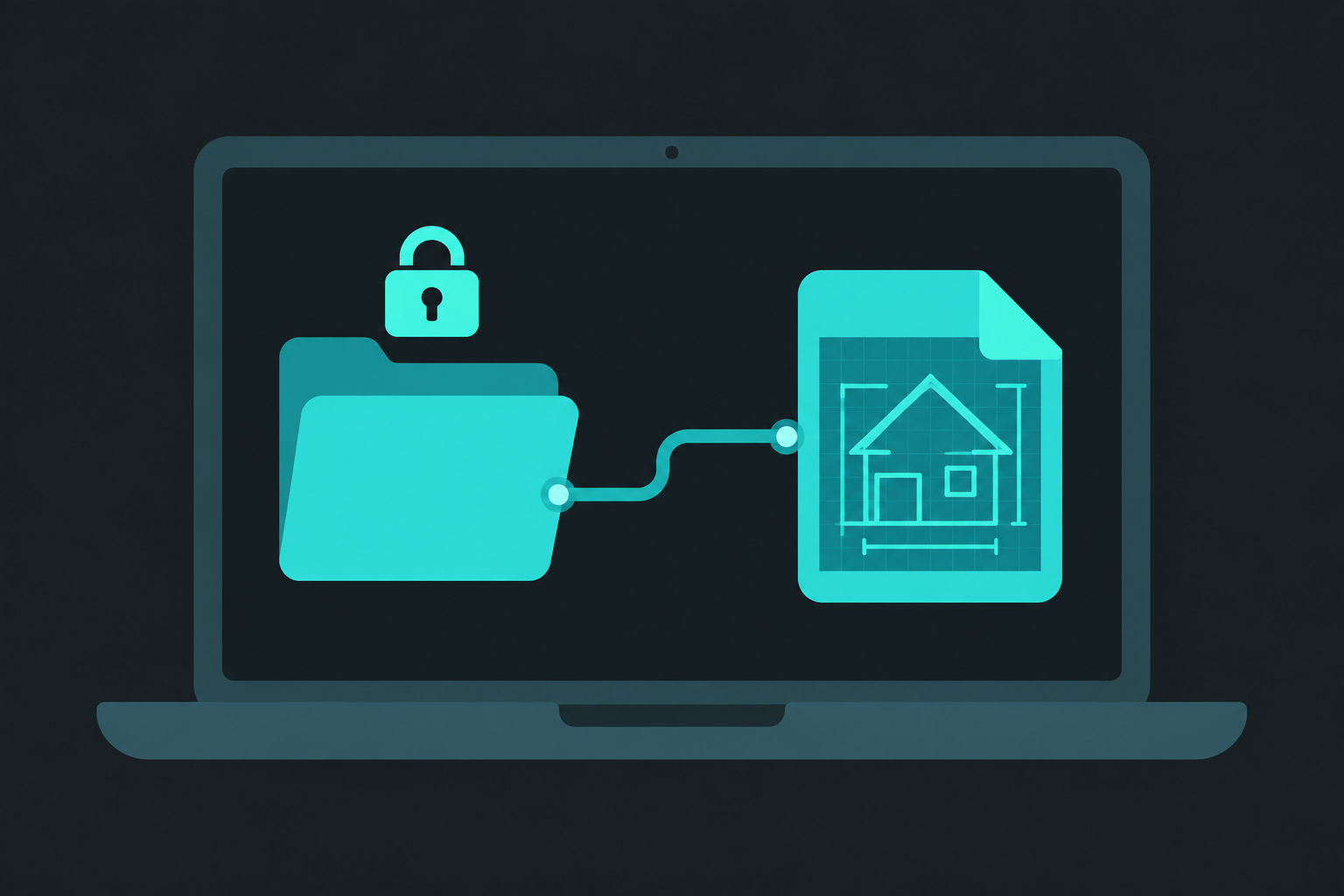
Fully local
Open files from your computer. Drawings are processed in the browser — they do not need to leave your device.
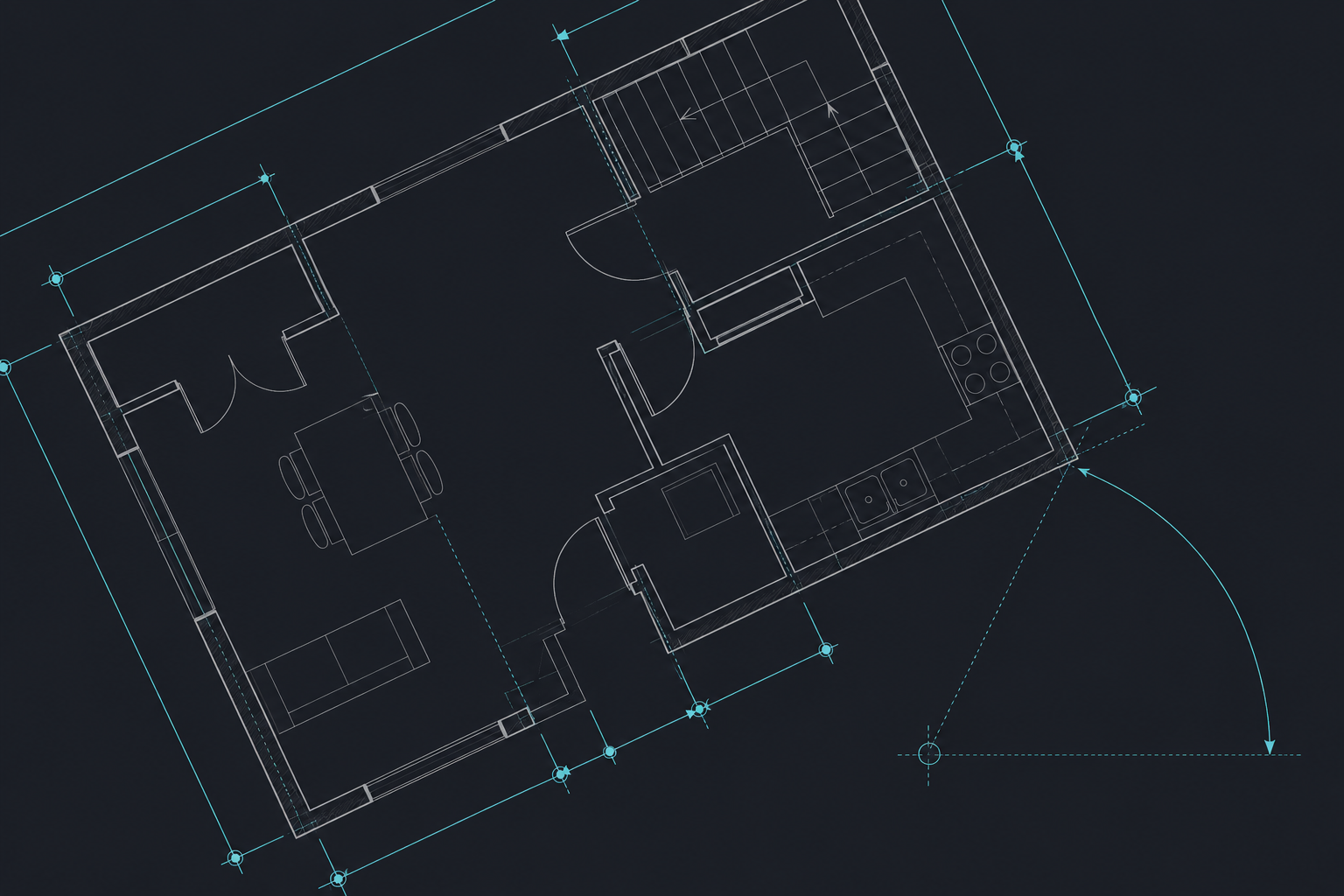
Measure
Distance, area, and angle tools for review and site coordination without installing desktop CAD.
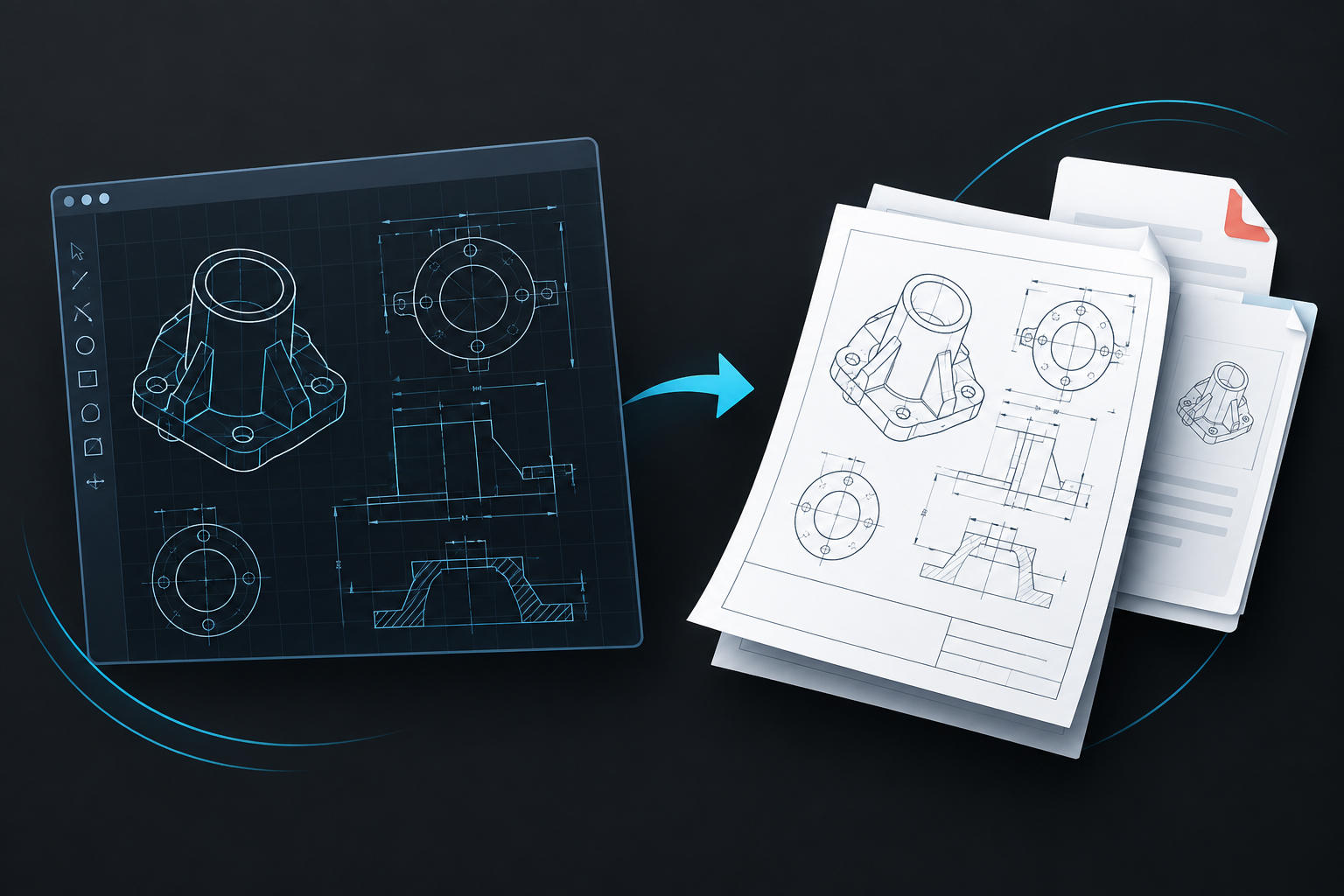
Print & export
Print the full drawing or a selected region, capture screenshots, and save as DXF.
View & navigate
Pan, zoom, layer control, and entity properties for real engineering DWG/DXF files.
DWG & DXF first
Open common AutoCAD drawing formats in one click. More formats grow with the engine roadmap.
Free to start
Core viewing and light edit are free. Pro removes the ad rail for a full-width canvas.
Pricing
The editor is $0 with ads. Pro is $5/month — ads off, full canvas.
Free
Local CAD with ads
- Local DWG/DXF open
- View, measure, print
- Right-side ad rail
Pro
Ad-free full canvas
- Everything in Free
- No ad rail
- Full-width canvas
- Priority support
Team
Engineering workspace
- Everything in Pro
- Projects & roles
- Collaboration options
- Invoice / deploy
Frequently asked questions
What to know before you open a drawing.
From the blog
Product updates, guides, and engineering notes.
How to Measure and Print a DWG Drawing in Your Browser
Step-by-step guide to measure distance, area, and angles on DWG files online, plus print and screenshot tips in DwgFlow — no AutoCAD install.
 DwgFlow Team
DWG vs DXF Explained: Which CAD Format Should You Use?
Clear comparison of DWG and DXF for engineers and teams. Learn compatibility, file size, editing, and when to open each format in a browser.
DwgFlow TeamHow to Open a DWG File Online Without Installing AutoCAD
Open DWG and DXF drawings in your browser with DwgFlow. No AutoCAD install, files stay on your device. View, measure, and print in minutes.
DwgFlow Team
Open a DWG in seconds.
No install. Drop a drawing into the browser editor and start reviewing.